WordPress is the right choice if you need a content team publishing without developer help, strong built in SEO, and low upfront cost. Strapi is the right choice if you have a JavaScript engineering team, need one content source feeding a website, app, and other channels at once, and want architectural control that WordPress cannot offer by default. The decision comes down to whether your bottleneck is content publishing speed or engineering flexibility.
WordPress still runs a huge share of the web, and its own market data puts it at over 40 percent of all websites. That scale brings a real cost though, plugins are responsible for the large majority of new WordPress vulnerabilities each year. Strapi takes the opposite bet, an open source, Node.js based headless CMS with a GitHub following that has grown to more than 72,000 stars, built for teams who want API first content without a bundled frontend. Neither fact settles the argument on its own. What matters is matching the platform to your team, your budget, and where your content actually needs to go.
What Is Strapi? A Clear Definition
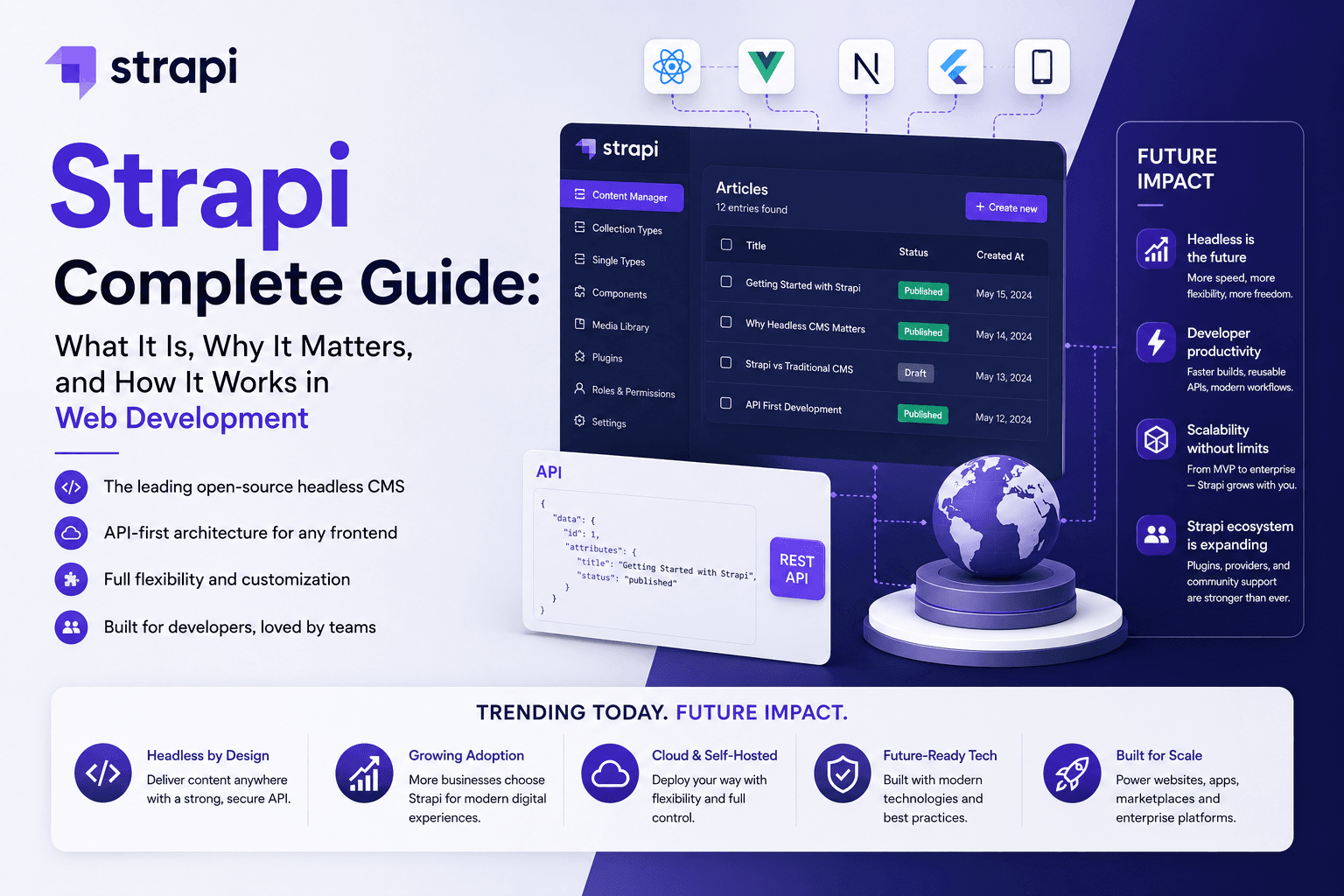
Strapi is an open source, self hosted headless CMS built on Node.js. It stores content and automatically generates REST and GraphQL APIs from the content models you design, then leaves rendering entirely to whatever frontend you connect, a Next.js site, a mobile app, or an IoT device. There is no bundled theme layer and no built in page renderer, Strapi treats the frontend as someone else's job by design.
What Is WordPress? A Clear Definition
WordPress is a PHP based content management system that combines content storage, an editorial admin interface, and page rendering in one package. It launched in 2003 as a blogging tool and has since grown into a full platform with thousands of themes and a plugin marketplace covering SEO, commerce, forms, and nearly everything else. WordPress can also run headless through its REST API or the WPGraphQL plugin, but that is an added mode, not its default behavior.
Strapi vs WordPress: The Numbers That Actually Matter
Most comparisons repeat the same "headless versus traditional" framing without giving you real figures. Here is what the current data shows, pulled from platform trust pages, GitHub, and vendor pricing pages.
| Metric | Strapi | WordPress |
|---|---|---|
| License | MIT (open source) | GPL 2.0 or later (open source) |
| Core cost | Free, self hosted community edition | Free, self hosted core |
| Paid tier entry price | Starts around $45 per month for content history, live preview, and team features | Managed hosting plans commonly range from about $4 to $45 per month for smaller sites, up to $1,500 or more monthly for enterprise managed hosting |
| GitHub stars | Roughly 72,300 | Roughly 21,200 (core repo) |
| Contributors (core repo) | Roughly 1,300 | Roughly 130 |
| OpenSSF security scorecard | Around 6.7 | Around 3.5 |
| Market share (all websites) | Not tracked as a share of all sites, primarily an application backend | Over 40 percent of all websites globally |
| Primary vulnerability source | Custom code and plugin choices, smaller attack surface by architecture | Roughly 97 percent of new vulnerabilities originate in third party plugins, not WordPress core |
Figures compiled from Zaira Labs' developer tool guide (verified June 2026), Netguru's 2026 CMS comparison, and Seahawk Media's 2026 WordPress vs Strapi guide. GitHub and pricing figures shift over time, recheck before publishing a client facing quote.
Architecture: The One Difference That Explains Everything Else
Every other difference between these two platforms traces back to one architectural choice.
WordPress is a monolithic CMS. The backend that stores your content and the frontend that renders it live in the same codebase, tied together through PHP templates and the WordPress Loop. That coupling is exactly why a content editor can log in, type a post, hit publish, and see it live in seconds with zero developer involvement.
Strapi is headless by design. Content lives in the backend and reaches the outside world only through REST or GraphQL APIs. Nothing renders on its own, you or your developer must build or connect a frontend, commonly Next.js, Nuxt, or Astro. That separation is exactly why a single Strapi instance can feed a website, a mobile app, and a kiosk display from one content model, something WordPress can only approximate with extra plugins and configuration.
The practical test: if your content only ever needs to become one website, coupling is a feature. If your content needs to reach three or more destinations, mobile apps, partner APIs, digital signage, decoupling stops being a nice to have and becomes the entire point.
Cost of Ownership: Where the Real Number Comes From
Both platforms are free at the core. The total cost of ownership diverges almost entirely in developer hours, not license fees.
| Cost Driver | WordPress | Strapi |
|---|---|---|
| Initial build | Lower, themes and plugins cover most standard requirements out of the box | Higher, you are typically building the frontend and wiring integrations from scratch |
| Hosting | Widely available on standard LAMP hosting, one click installs common | Requires a Node.js environment and a supported database such as PostgreSQL, plus CI/CD setup |
| Ongoing maintenance | Plugin updates and security monitoring are a recurring, necessary task | Fewer moving third party parts to patch, but custom code needs in house or agency upkeep |
| Multilingual support | Requires a premium plugin such as WPML or Polylang | Internationalization is built in at no extra cost |
| SEO tooling | Covered by mature plugins like Yoast or Rank Math with no developer time required | No built in SEO layer, every meta tag and sitemap must be built into the custom frontend |
For a standard marketing site or blog, WordPress is very likely the cheaper build and the cheaper year one. For a product delivering content to multiple platforms, Strapi's higher upfront engineering cost is usually offset within a year or two by not rebuilding the same content logic for each new channel.
Performance and Core Web Vitals
Strapi's raw API responses are fast by default, since there is no page assembly happening on the same server, and pairing it with a static site generator or edge CDN can push Largest Contentful Paint (LCP) and Interaction to Next Paint (INP) well into Google's "good" thresholds with relatively little tuning.
WordPress performance depends heavily on configuration. A well optimized WordPress install, caching plugin, lean theme, CDN in front, competes closely with a headless setup. An unoptimized one, loaded with 30 plugins and an unmanaged image library, will not. The platform is not the bottleneck in most slow WordPress sites, the plugin stack and hosting tier usually are.
If your team lacks a dedicated developer to maintain either LCP or INP over time, WordPress with a managed host and a caching plugin is the lower risk path to passing Core Web Vitals. If you have frontend engineers who will actively tune the render path, Strapi's ceiling is higher.
Security: Structural Advantage vs Maintenance Discipline
Strapi's headless architecture keeps the admin backend off the public facing surface that serves your rendered pages, and its role based access control and JWT based API tokens are built in rather than bolted on through a plugin. That is a genuine structural advantage.
WordPress carries more risk by volume, plugins account for roughly 97 percent of newly disclosed vulnerabilities in the ecosystem, largely because there are tens of thousands of them maintained at wildly different quality levels. This is not a flaw unique to WordPress core, it is the tax you pay for having the largest plugin marketplace in the industry. A disciplined patching routine and a security plugin like Wordfence closes most of that gap in practice.
SEO: Built In vs Build It Yourself
This is WordPress's clearest advantage for teams without dedicated engineering support. Yoast SEO and Rank Math handle meta tags, XML sitemaps, canonical URLs, and schema markup through a settings screen, no code required, and a marketing team can manage all of it independently.
Strapi ships with no SEO layer at all. Every meta tag, sitemap entry, and structured data block has to be built into your Next.js or Nuxt frontend by a developer. The ceiling is just as high, arguably higher, since you control the render path completely, but someone technical has to build and maintain it. If your marketing team needs to self serve SEO changes without opening a ticket, that alone can decide the CMS question.
Decision Framework: Which CMS Fits Your Situation
| Your Situation | Better Fit | Why |
|---|---|---|
| Marketing driven blog or brochure site, small team, no dedicated developer | WordPress | Non technical publishing, mature SEO plugins, lowest time to launch |
| E-commerce store needing an all in one platform | WordPress (with WooCommerce) | Native commerce plugin ecosystem, no separate backend to build |
| Product with a website, mobile app, and partner API sharing one content source | Strapi | One content model served everywhere through REST or GraphQL, no duplicated content |
| Enterprise site with strict compliance and custom domain logic | Strapi (or a hybrid model) | Full control over data models, RBAC, and audit logging without fighting a template hierarchy |
| JavaScript heavy engineering team already using Next.js or Nuxt | Strapi | Matches existing skillset, no PHP context switch, API first workflow fits the team |
| Multiple regional or franchise sites managed by one small team | WordPress (Multisite) | Single install running many sites, mature tooling for this exact use case |
The Hybrid Option Most Comparisons Skip
You are not actually locked into picking one. A growing number of teams run WordPress as the editorial backend, giving marketing the familiar publishing workflow, while a Next.js or similar frontend consumes it through the REST API or WPGraphQL. That gets you WordPress's editorial experience with a decoupled, high performance render layer, at the cost of extra integration work up front. It is worth scoping seriously before assuming Strapi or WordPress has to be an all or nothing decision.
Common Mistakes Teams Make in This Decision
- Choosing Strapi without a JavaScript frontend team already in place, then discovering the frontend build is the actual project.
- Choosing WordPress for a multi channel product, then bolting on REST endpoints and custom fields until it behaves like a worse version of a headless CMS.
- Comparing license cost only, and ignoring the developer hours each platform demands over a year.
- Assuming WordPress is inherently insecure rather than under maintained, most breaches trace back to outdated plugins, not the core platform.
- Skipping the hybrid option entirely because it "sounds complicated," when it often costs less than a full custom Strapi frontend build.
Frequently Asked Questions
Is Strapi better than WordPress for SEO? Not out of the box. WordPress ships with mature SEO plugins that a non technical team can manage directly. Strapi can achieve equally strong or better SEO, but every meta tag, sitemap, and schema block has to be built into the frontend by a developer.
Is Strapi actually free to use? The Strapi community edition is free and self hosted under an MIT license, with unlimited core usage. Paid plans start around $45 per month for features like content history and live preview. The larger cost is typically the developer time needed to build a frontend and integrations.
Can WordPress work as a headless CMS? Yes. WordPress supports headless delivery through its native REST API and the WPGraphQL plugin, letting you use it purely as a content backend behind a custom frontend built in Next.js, Nuxt, or another framework.
Which CMS is cheaper to run long term? For a standard content site, WordPress is usually cheaper end to end thanks to its plugin ecosystem. For a product feeding multiple channels from one content source, Strapi's higher upfront build cost is often offset by not duplicating content logic per channel.
Is WordPress less secure than Strapi? WordPress core itself is not inherently insecure, but its plugin ecosystem accounts for the large majority of newly found vulnerabilities each year. Strapi's decoupled architecture reduces the public attack surface by design, giving it a structural edge, provided custom code is maintained with the same discipline.
Do I need a developer to run Strapi day to day? Yes, for anything beyond initial content entry. Content editors can use Strapi's admin panel to manage entries, but there is no live visual preview of the rendered page, and any change to content structure, API behavior, or the frontend itself requires developer involvement.
Can I migrate from WordPress to Strapi later, or the other way around? Both directions are common. WordPress to Strapi migrations usually happen when a team outgrows plugin based customization and needs multi channel delivery. Strapi to WordPress migrations happen when a team needs faster non technical publishing and decides the custom frontend overhead was not worth it for their use case.
Building Your Site on the Right CMS?
JunkiesCoder builds both headless Strapi platforms and WordPress based sites, and can scope a recommendation against your actual team, timeline, and channel requirements before you commit. See our CMS and headless architecture services or explore our SaaS and product engineering work for similar builds.