A Content Management System (CMS) migration involves moving website content, functionality, and data from an existing platform to a new CMS. The CMS migration cost and timeline depend on website size, platform complexity, custom functionality, third-party integrations, SEO requirements, and testing.
For startups, small and medium-sized businesses (SMEs), and enterprises, understanding these factors helps establish realistic budgets and avoid unexpected delays. Businesses planning a platform change can explore our CMS migration services to understand the technical requirements involved in moving website content and functionality.
What Is CMS Migration?
CMS migration is the process of transferring a website from one content management system to another, upgrading its architecture, or restructuring how content is stored and delivered.
For example, a business may move from WordPress to a headless CMS, migrate an online store to another platform, or replace a legacy content management system with a more maintainable architecture. The process can involve database conversion, content mapping, frontend development, API integrations, and SEO preservation.
Businesses can consult this CMS migration guide to understand the planning and implementation considerations involved in moving content between systems.
1.Website Size and Content Volume
The number of pages, blog posts, images, products, and other assets affects the amount of work required during migration. However, content complexity can matter more than the total number of URLs.
A website with hundreds of simple pages may be easier to migrate than a smaller website containing complex product records, custom fields, and connected content types.
Common content types include:
- Service and landing pages
- Blog posts and resource libraries
- Images, videos, and downloadable files
- Product catalogs and category pages
- Customer testimonials and case studies
- Author profiles and multilingual content
Before estimating the migration budget, create a content inventory and identify which assets should be migrated, updated, consolidated, or removed.
| Project type | Illustrative timeline |
|---|---|
| Small website with standard pages | 2–4 weeks |
| Business website with blogs and several templates | 4–8 weeks |
| Mid-sized website with custom features and integrations | 8–12 weeks |
| Large enterprise or multilingual website | 3–6 months or longer |
These are relative complexity estimates, not fixed pricing categories. The actual workload depends on content quality, data structure, and migration requirements.
2.Current CMS and Target Platform
The source and destination platforms determine how much data transformation and redevelopment are required. Moving between similar platforms may be relatively straightforward, while switching to a different architecture can require rebuilding content models, templates, and publishing workflows.
| Migration scenario | Main cost and timeline considerations |
|---|---|
| WordPress to WordPress | Database, media, themes, plugins, and hosting |
| WordPress to another CMS | Content conversion and feature replacement |
| Shopify store migration | Products, collections, customer data, and store functionality |
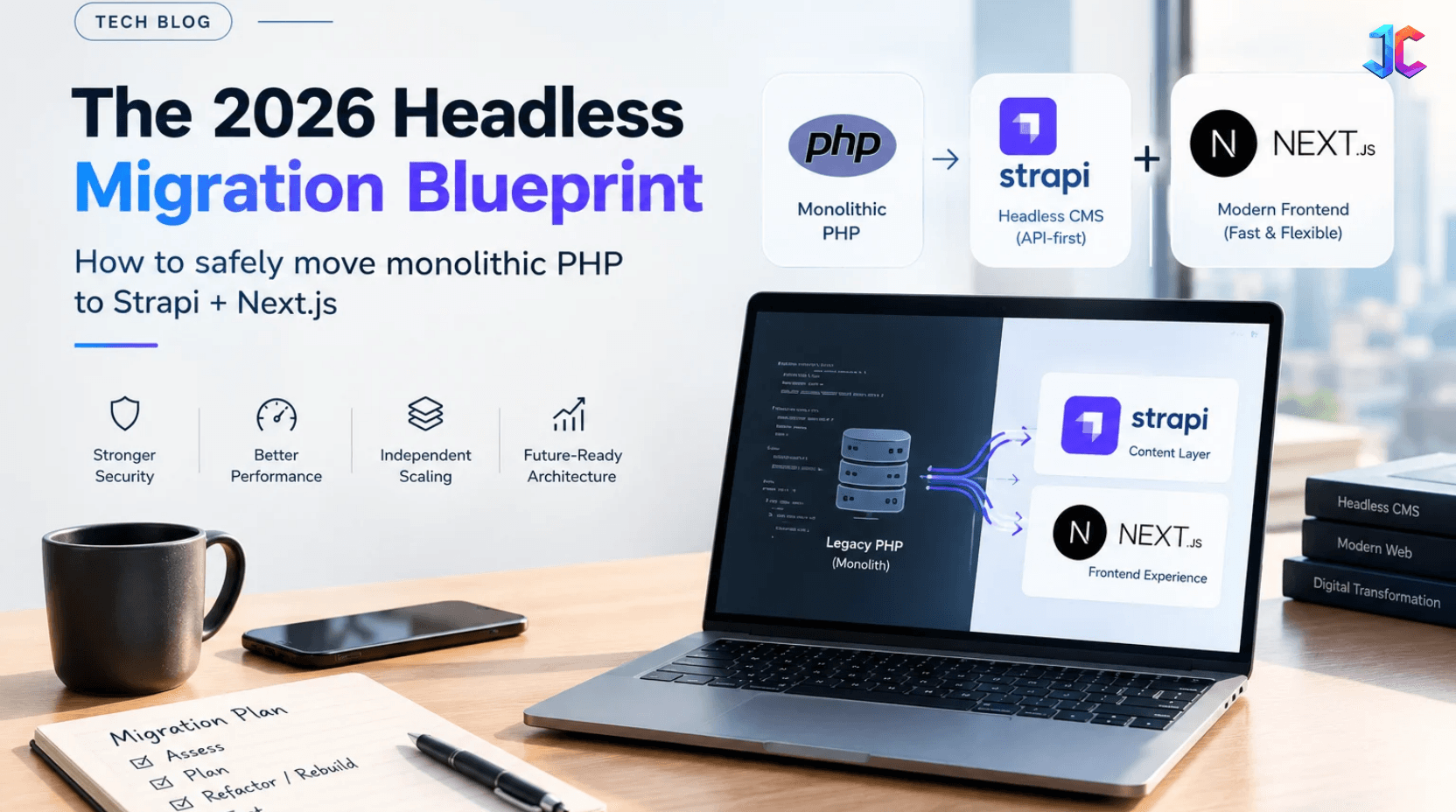
| Traditional CMS to headless CMS | APIs, frontend architecture, previews, and publishing |
| Legacy CMS to a modern platform | Data transformation and custom development |
Businesses migrating an online store can explore our Shopify migration services for platform-specific migration requirements.
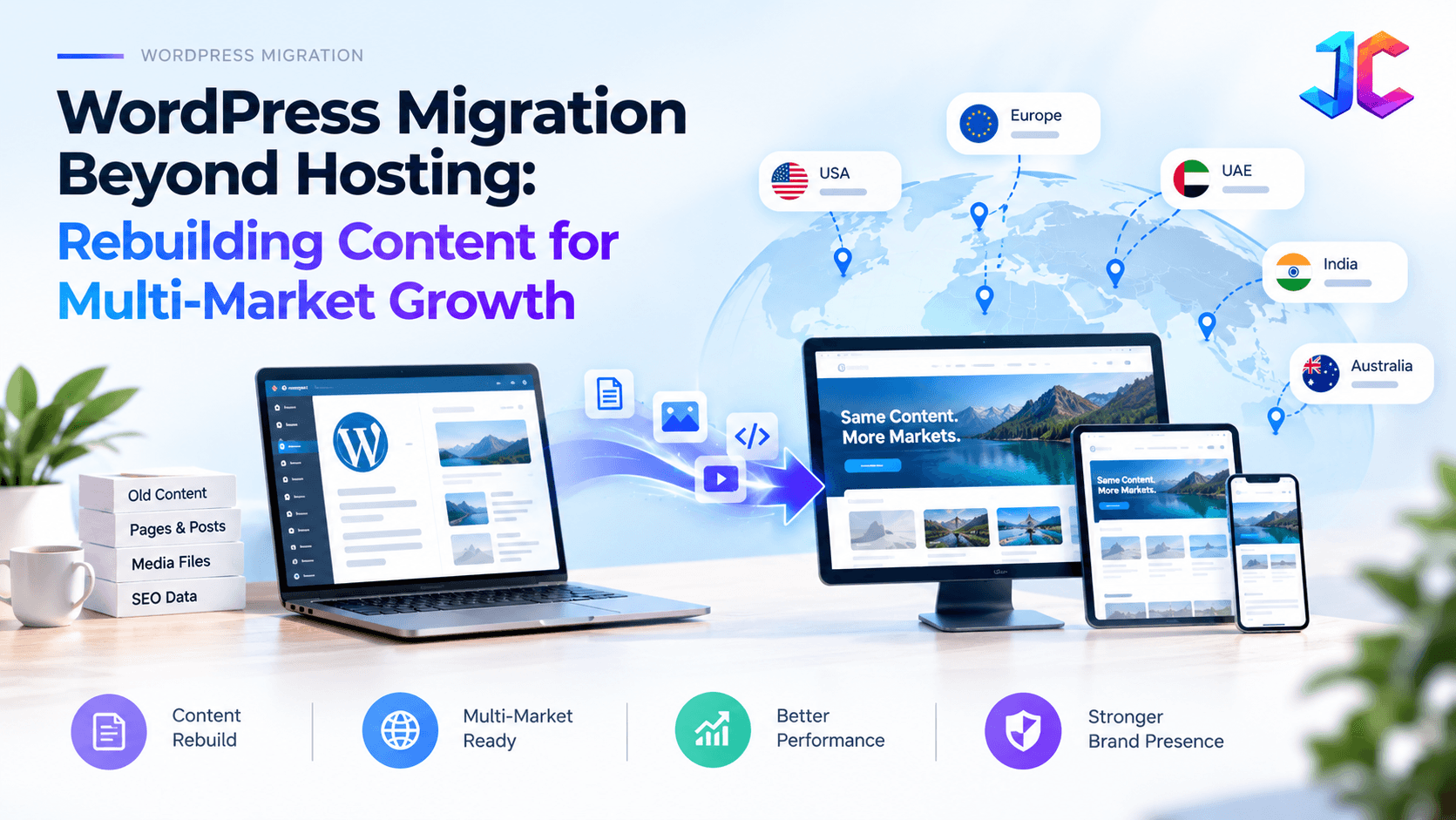
For WordPress projects, the official WordPress migration documentation explains how to move a website and its associated files and database. Businesses can also review our WordPress migration services for help planning a WordPress website migration
A migration assessment should identify which existing features can be retained, which require replacement, and which can be removed.
3.Custom Functionality and Business Logic
Custom features are often a major contributor to CMS migration costs because they may not transfer directly to the destination platform.
Examples include: • Advanced search and filtering • Customer dashboards and account portals • Subscription and membership systems • Custom quotation and pricing tools • Automated approval workflows • Personalized content recommendations • Role-based permissions • Custom reporting and administration tools
A standard contact form may require limited configuration. A customer portal connected to multiple business systems may require extensive backend development, API work, and testing.
For applications built with Laravel, our Laravel migration services are relevant when planning the migration or modernization of Laravel-based applications.
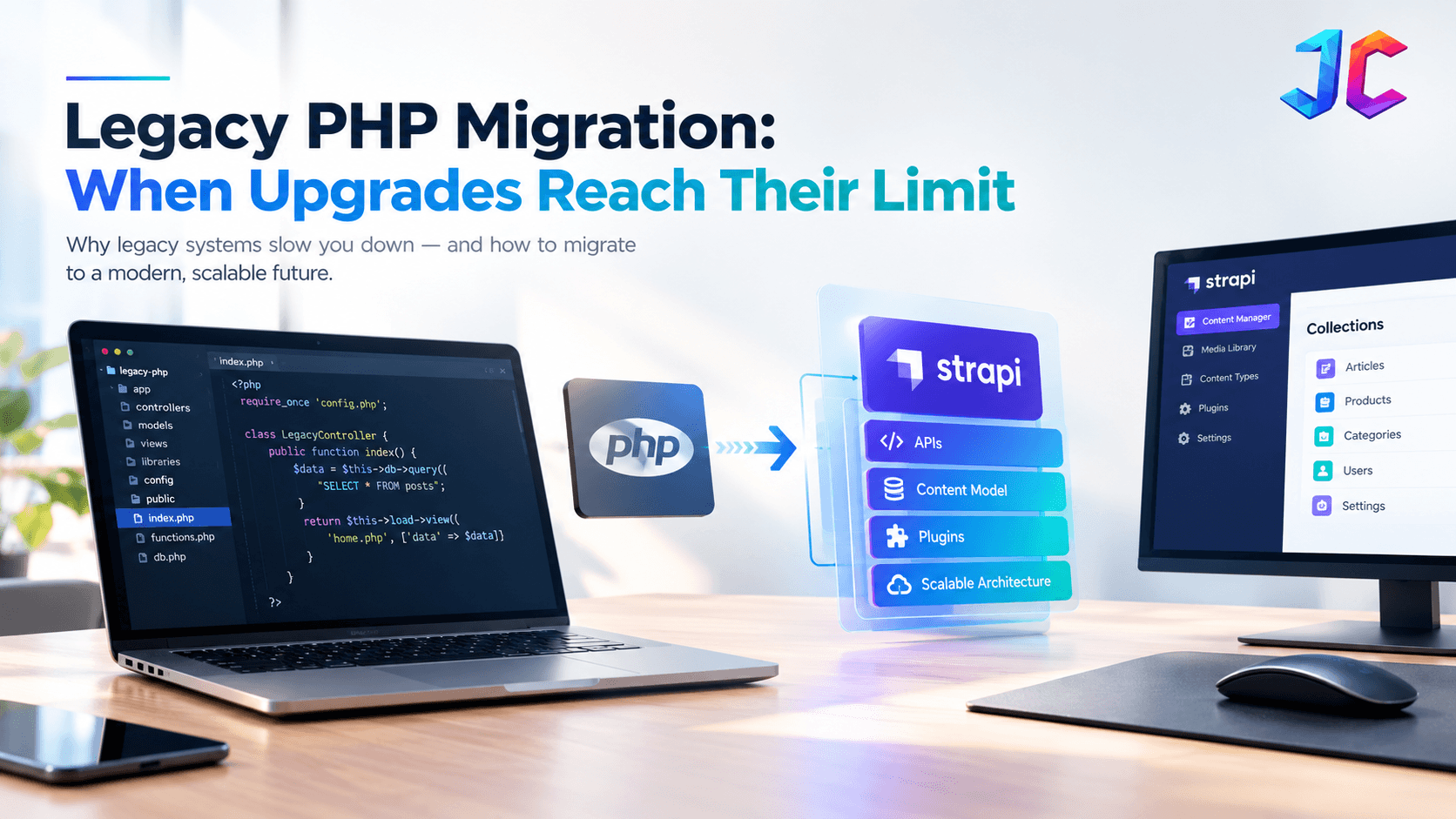
Businesses maintaining older PHP applications can also explore our PHP migration services when evaluating application upgrades and migration requirements.
Document each feature before development begins. This helps the team determine whether to rebuild, replace, simplify, or retire it.
4.Third-Party Integrations and APIs
Business websites frequently connect to external platforms for sales, payments, analytics, marketing, customer management, and internal operations.
When a CMS changes, these integrations may need new authentication methods, API configurations, data mappings, or event handling.
| Integration | Work involved during migration |
|---|---|
| CRM | Contact synchronization and lead management |
| ERP | Product, inventory, and order data |
| Payment gateway | Checkout, payment callbacks, and transaction testing |
| Marketing automation | Forms, campaign workflows, and tracking |
| Analytics | Event tracking and conversion measurement |
| Search platform | Search indexing, filters, and relevance |
| Identity provider | Authentication and single sign-on |
The number of integrations alone does not determine the cost. One complex ERP integration may require more engineering work than several simple analytics tools.
Teams should test each connection in a staging environment before launch.
5.SEO Requirements and URL Preservation
SEO migration is an essential part of a website CMS migration because changes to URLs, metadata, internal links, and page structure can affect organic search visibility.
If URLs change, create a mapping between important existing URLs and their corresponding destinations. Update internal links, canonical tags, and XML sitemaps, and configure relevant permanent redirects.
Google's official guidance on site moves and URL changes explains how to prepare URL mappings, configure redirects, and monitor search performance during a migration. Google's documentation on permanent redirects also explains how redirects communicate permanent URL changes.
The SEO migration process may include:
• Crawling existing URLs before development • Preserving important titles and meta descriptions • Mapping old URLs to relevant new pages • Implementing and testing redirects • Reviewing canonical tags and indexability • Updating internal links and XML sitemaps • Checking structured data and breadcrumbs • Monitoring search traffic and indexing after launch
SEO planning should begin before the website is migrated, not after launch. Even with careful preparation, search visibility may fluctuate while search engines recrawl and reindex the updated pages.
6.SEO Requirements and URL Preservation
A CMS migration does not always require a complete redesign. However, businesses sometimes use the opportunity to improve user experience, accessibility, mobile responsiveness, and page performance.
Keeping the existing design can reduce frontend development work if the design is compatible with the new CMS. A complete redesign may require new templates, reusable components, navigation, forms, and interactive functionality.
Headless CMS projects can introduce additional work because the content management system and customer-facing frontend operate separately.
Before choosing a redesign, define the project objective. If the main goal is to improve content management, preserving the existing frontend may be sufficient. If the current website has significant usability or technical limitations, redevelopment may be justified
7. Content Quality and Data Cleanup
Moving outdated or inconsistent content can create unnecessary work and carry existing problems into the new platform.
A content audit helps identify duplicate pages, broken links, missing images, outdated information, and content that should be consolidated.
For example, a blog article may include an author, category, featured image, related articles, and SEO metadata. The migration must preserve these relationships or recreate them in the destination CMS.
Agreeing on content rules before migration reduces manual corrections and makes automated imports easier to validate.
8. Testing, Security, and Quality Assurance
Testing ensures that the migrated website works correctly before it becomes available to users. The required testing scope depends on the website's complexity and business importance.
| Testing area | What to verify |
|---|---|
| Content validation | Text, images, metadata, and formatting |
| Functional testing | Forms, navigation, search, and interactive features |
| Integration testing | Data exchange with connected platforms |
| Responsive testing | Mobile, tablet, and desktop layouts |
| Performance testing | Loading times and server responses |
| Security testing | Authentication, permissions, and sensitive data |
| SEO testing | Redirects, canonicals, and indexability |
| User acceptance testing | Business workflows and stakeholder requirements |
Skipping testing to meet a launch deadline can result in broken functionality, missing content, and expensive post-launch fixes.
A staging environment, documented test cases, and a defined approval process help identify problems before the new website goes live.
How Long Does a CMS Migration Take?
The CMS migration timeline depends on the scope, content volume, integrations, custom development, and stakeholder availability.
The ranges below are illustrative planning estimates, not guaranteed delivery times or verified industry averages.
| Project type | Illustrative timeline |
|---|---|
| Small website with standard pages | 2–4 weeks |
| Business website with blogs and several templates | 4–8 weeks |
| Mid-sized website with custom features and integrations | 8–12 weeks |
| Large enterprise or multilingual website | 3–6 months or longer |
These estimates assume timely access to the existing CMS, technical credentials, content, and stakeholders. Complex integrations, extensive redesigns, or poor-quality legacy data can increase the schedule.
A complete timeline should account for discovery, content preparation, development, testing, launch, and post-launch monitoring.
What Determines the Total CMS Migration Budget?
The total budget combines technical implementation, content work, testing, infrastructure, and project management.
| Budget category | Typical activities |
|---|---|
| Discovery and planning | Requirements, audits, scope, and migration strategy |
| CMS configuration | Platform setup, content models, and permissions |
| Content migration | Export, transformation, import, and validation |
| Development | Templates, APIs, custom features, and integrations |
| Design | User experience improvements and frontend redevelopment |
| SEO migration | URL mapping, redirects, and technical checks |
| Quality assurance | Functional, security, and performance testing |
| Launch and support | Deployment, monitoring, and issue resolution |
Actual costs vary by region, platform, team structure, and project requirements. A reliable estimate should be based on a documented scope rather than a generic price range.
When comparing proposals from a CMS migration company, confirm whether the quoted price includes content cleanup, SEO preservation, integration testing, launch support, and post-launch fixes.
How to Reduce CMS Migration Costs Without Increasing Risk?
Businesses can control migration costs by eliminating unnecessary work rather than skipping essential testing.
- Define the scope early: Identify which pages, features, and integrations must move.
- Audit content before migration: Remove duplicates and resolve data-quality problems.
- Prioritize essential functionality: Separate launch-critical requirements from future enhancements.
- Automate repeatable tasks: Use migration scripts where possible and validate the results.
- Plan SEO requirements in advance: Prepare URL mappings and redirects before launch.
- Use a staging environment: Test functionality without disrupting the live website.
- Assign clear responsibilities: Define who owns content approval, development, and testing.
- Reserve time for unexpected issues: Allow for legacy data problems and undocumented dependencies.
Automation can reduce repetitive work, but it does not eliminate the need for data validation, functional testing, or SEO checks.
CMS Migration Checklist
Use this checklist before approving a migration budget or launch date.
- Inventory existing pages, media files, and content types.
- Confirm the destination CMS and technical architecture.
- Identify custom features and third-party integrations.
- Document content mapping and data cleanup requirements.
- Prepare URL mappings, redirects, and SEO requirements.
- Estimate design, development, and configuration work.
- Prepare functional, security, and performance tests.
- Agree on stakeholder approvals and launch responsibilities.
- Plan backups and rollback procedures.
- Schedule post-launch monitoring and issue resolution.
Frequently Asked Questions
What is the biggest factor affecting CMS migration cost?
The biggest factors are usually the project scope, custom functionality, content complexity, integrations, and frontend redevelopment. The main cost driver varies from one website to another.
Can a CMS migration affect SEO rankings?
Yes. URL changes, broken redirects, altered content, and technical accessibility issues can affect search visibility. Following Google's site migration guidance helps teams plan redirects and monitor the transition, although rankings cannot be guaranteed.
Can a CMS migration be completed without redesigning the website?
Yes. A business can migrate its content management platform while retaining its existing design, provided the frontend remains compatible with the destination architecture.
Why do CMS migrations take longer than expected?
Common causes include incomplete requirements, inconsistent source data, undocumented functionality, integration problems, delayed approvals, and additional testing discovered late in the project.
Is it better to migrate everything at once or in phases?
Smaller websites may be migrated in one release, while larger platforms may benefit from a phased approach. The right method depends on the architecture, dependencies, and operational risk.
How can businesses estimate CMS migration costs accurately?
Start with a content and technical audit, document the required functionality, identify integrations, define SEO requirements, and request a task-based estimate that includes testing, deployment, and post-launch support.
Conclusion
CMS migration cost and timeline depend on much more than the number of pages being transferred. Platform differences, custom features, integrations, content quality, SEO preservation, design decisions, and testing all influence the project.
Businesses can make better decisions by defining the scope, auditing existing content, documenting dependencies, and planning validation before launch. A detailed estimate should explain the required work, assumptions, risks, and deliverables instead of relying on a generic price or timeline.
The objective is to move to a maintainable content management platform while preserving essential functionality, content quality, and search visibility.